
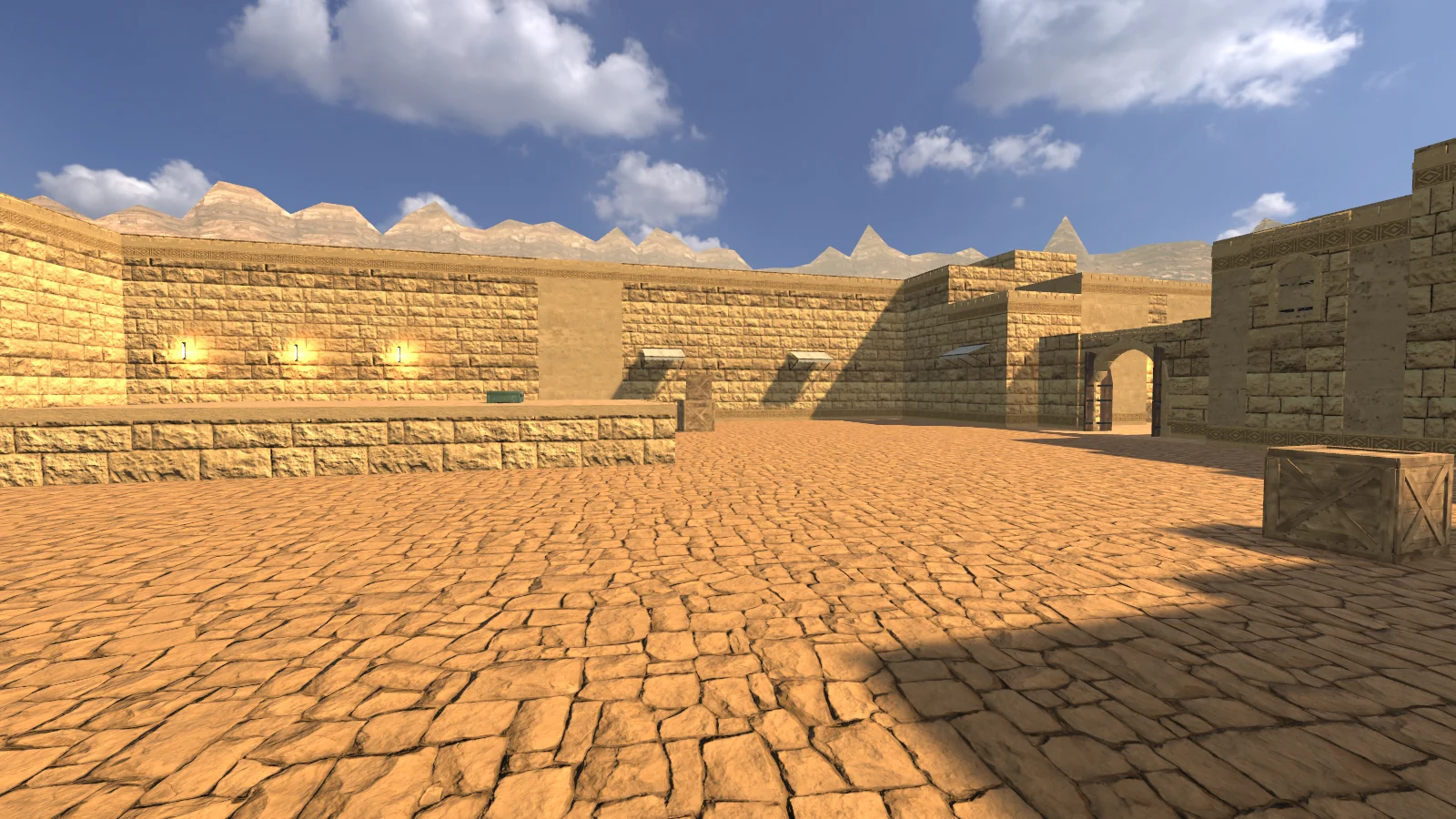
Get ready for the round.
Installation, first match, game account, local network and troubleshooting for version 1.0.0-rc.3.
First steps
How much does Nexastrike cost?
The base game is free. An optional extras shop is planned; this version has no real-money purchases. Equipment prices on this website refer to match currency earned during rounds.
How to download the game?
Download the Nexastrike-Setup-1.0.0-rc.3-win64.exe installer (427.1 MB) after signing in to the player portal in the TEST area. The project team creates TEST accounts; public registration is not available yet.
On the Download page you will find requirements, a SHA-256 checksum and step-by-step installation instructions.
Step-by-step installationWindows shows SmartScreen warning. What to do?
The installer does not yet have a publisher’s digital signature, so Windows may show a blue “Windows protected your PC” message. If the file came from the player portal at strike.lifenexa.pl, click “More info”, then “Run anyway”.
Before running, you can compare the SHA-256 sum of the file with the value on the Download page. Do not disable system protection.
Verification and installationWhat are the hardware requirements?
System: Windows 10 or 11, 64-bit (x64) · Processor: 64-bit, 4 cores · Memory: 8 GB RAM (recommended) · Graphics: Card with DirectX 12 support, 2 GB VRAM · Storage: approx. 1.1 GB of free space (427.1 MB installer) · Network: Not needed to play with bots; LAN: UDP 27015 and 27016.
These requirements are estimates for the test release. If performance is too slow, lower graphics quality in OPCJE.
How to start your first match?
After installation, launch Nexastrike from the Start menu and select SZYBKI TRENING - the game will launch a 5v5 match with bots. In the NOWA GRA menu you can set the map (DUNES, BORGO, DEPOT), match length, number and level of bots. You don't need an account or internet to play with bots.
Gameplay
How does the Core Charge work?
One attacker receives the charge at the start of the round. At site A or B, hold E (or select the charge with 5 and hold the left mouse button) for 3.2 s. Defenders then have 40 s to defuse it: hold E beside the charge for 10 s, or 5 s with a defuse kit. If the carrier dies, the charge drops to the ground and another attacker can pick it up.
Full game rulesDo factions have different gameplay stats?
No. Your faction changes only the operator’s appearance. Everyone has 100 HP, the same speed and access to their side’s arsenal. Armour is bought with money earned in the match.
Is the artwork final?
No. The screenshots on this page are from the 1.0 RC version of the game, but the models, materials and lighting are status REVIEW and may change before the final version.
Network play
Can I play with friends?
Yes, on the local network. One player starts the game in the NOWA GRA menu, the others will find it in the ZNAJDŹ SERWERY tab or connect by entering the host's IPv4 address. Everyone must have the same version of the game (1.0.0-rc.3).
Game uses UDP port 27015 and server search uses UDP 27016. The host's firewall must allow Nexastrike for private network connections. Public matchmaking is not yet available; playing online requires port forwarding on the host.
How to run a dedicated server?
For advanced users: the Nexastrike.exe game file run with the -batchmode -nographics -nx-server parameters works as a dedicated server without a game window. Additional parameters: -nx-map (e.g. nx_dunes), -nx-port (default 27015), -nx-bots (0–5 bots per team), -nx-rounds (rounds to win) and -nx-name (server name).
Players connect to the server just like they would to a LAN host. The server and players must have the same version of the game.
Account and data
What is the TEST account used for?
You use the same account to log in to the player portal on the website and to the KONTO menu in the game. The game then saves your match statistics (matches, wins, eliminations, headshots, game time) and allows you to save or load settings: sensitivity, FOV, volume, crosshair and blood visibility.
The password is not saved on your computer - the game only stores the session token. Playing without logging in also works, but the statistics are not transferred to the account.
Does the game save my ranking?
No. Matches with bots and on the local network are included in the statistics of the TEST account, but not in the public ranking. Seasonal ranking, matchmaking and tournaments require public servers and are planned for the next stages.
Troubleshooting
I don't see the server or I can't join.
Check that the host is already running, that everyone is on the same version, and that the computers are on the same network. A guest network or device isolation on your router may be blocking traffic between computers. Try to connect by manually entering the host address and make sure your Windows firewall allows Nexastrike traffic on your private network. Don't disable the entire firewall.
How do I update or uninstall the game?
Install the new version over the previous one. The installer updates the game and keeps your settings and account. To uninstall, open Windows Settings (Apps → Installed apps → Nexastrike).
What should you prepare when reporting an error?
Note the game version (1.0.0-rc.3), mode (training, host or client), steps to reproduce the issue and the expected result. Include a screenshot and your Windows version, processor and graphics card. The public reporting form is not available yet; send the report to the project team that provided your TEST account.
Haven't found the answer?
Game support, bug reports or partnerships — get in touch.