Windows PC / Version 1.0.0-rc.3

Download Nexastrike.

Free test release for Windows. Start with a quick training session against bots, then invite friends to play over your local network.

What's included

  • A full 5v5 match in Core Breach mode: buying equipment, planting and defusing the charge, and switching sides at half-time.
  • Maps DUNES, BORGO, DEPOT with sites A and B.
  • 15 weapons, a knife, 3 types of grenade, armour and a defuse kit.
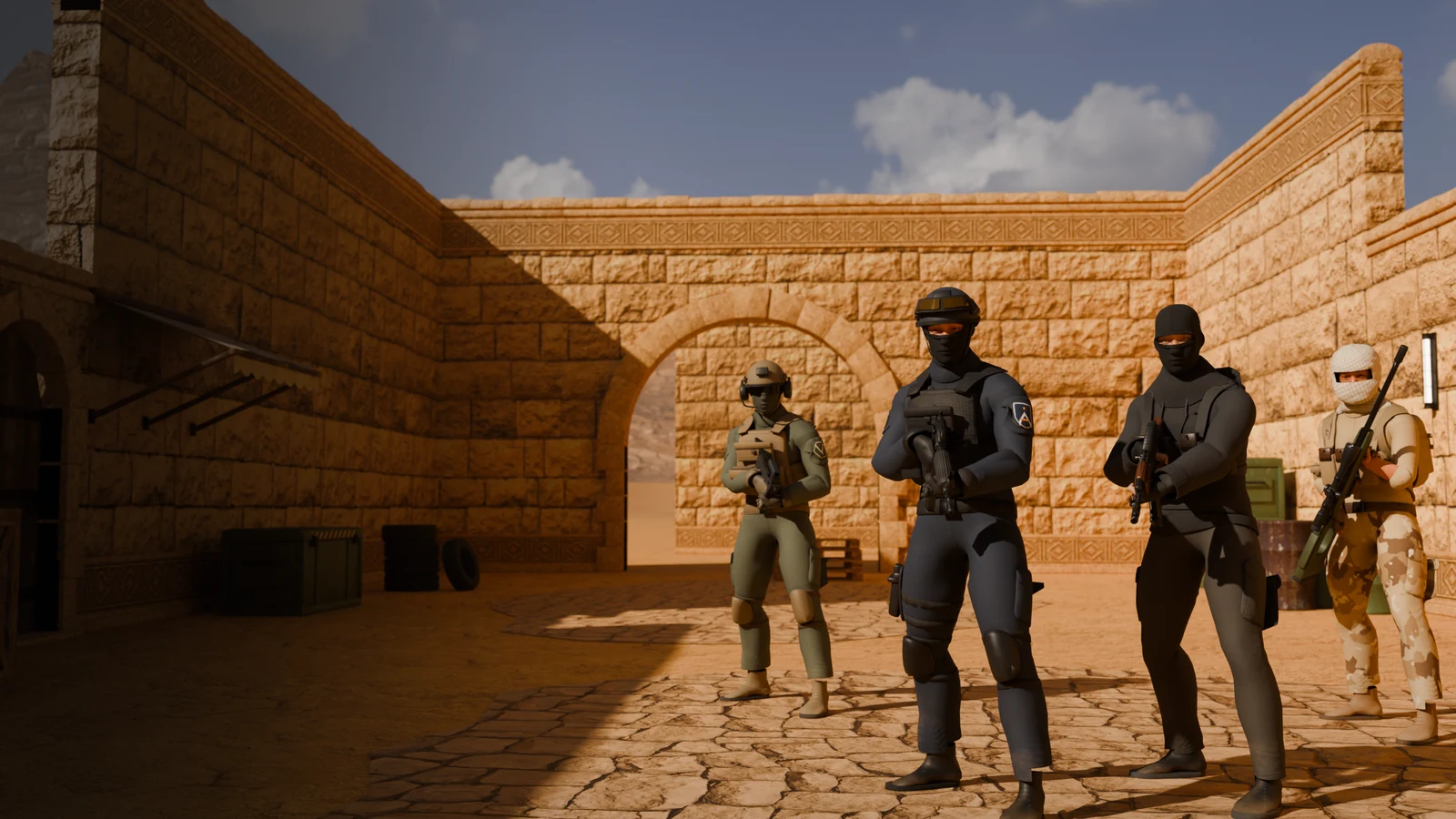
  • 4 factions: AEGIS, VANGUARD, BLACK VEIL, NOMAD.
  • Bots at three difficulty levels, LAN play, a dedicated server and a TEST account with statistics.

Step-by-step installation

  1. 1

    Sign in to the player portal

    Open player portal and sign in with your TEST account. Download Nexastrike-Setup-1.0.0-rc.3-win64.exe.

  2. 2

    Check file (optional)

    In PowerShell, enter the command below and compare the result with the SHA-256 checksum on this page.

    Get-FileHash -Algorithm SHA256 "$env:USERPROFILE\Downloads\Nexastrike-Setup-1.0.0-rc.3-win64.exe"
  3. 3

    Run the installer

    The installer does not yet have a digital signature from the publisher, so Windows SmartScreen may show a blue "Windows protected your PC" box. Click More info, and then Run anyway. Do not disable system protection.

  4. 4

    Install

    The game installs to the current Windows account, without administrator rights, in a folder %LOCALAPPDATA%\Programs\LifeNexa Games\Nexastrike. You can add a shortcut on your desktop.

  5. 5

    Play

    Launch Nexastrike from the Start menu (the “Nexastrike (okno)” shortcut opens the game in a window). Select SZYBKI TRENING or NOWA GRA. In the KONTO menu, sign in with the same account to save your statistics.

Update: Install the new version over the previous one. The installer updates the game while keeping your account, statistics and settings. To uninstall, open Windows Settings (Apps → Installed apps).
System requirements

Check
your hardware.

Requirements are estimates for version 1.0 RC. We check performance on various configurations during testing - if the game is too slow, please lower the graphics quality in the OPCJE menu.

System
Windows 10 or 11, 64-bit (x64)
Processor
64-bit, 4 cores
Memory
8 GB RAM (recommended)
Graphics
Card with DirectX 12 support, 2 GB VRAM
Storage
approx. 1.1 GB of free space (427.1 MB installer)
Network
Not needed to play with bots; LAN: UDP 27015 and 27016
Account and network

One account.
Play with friends.

TEST in-game account

The same account that you use to log in to the player portal works in the game in the KONTO menu. After logging in, the game saves your match statistics (matches, wins, eliminations, headshots, game time) and allows you to save and load settings: mouse sensitivity, FOV, volume, crosshair and blood visibility.

Your password is not saved on your computer; the game stores only a session token. Offline match results are queued and sent later. Matches against bots and over LAN do not count towards the public leaderboard.

Open the player portal

Local network

One player starts the game in the NOWA GRA menu. Others on the same network will find it in the ZNAJDŹ SERWERY tab or connect by entering the host address. The game uses UDP port 27015 and searching for servers on the local network uses UDP 27016. Everyone must have the same version of the game.

The Windows firewall must allow Nexastrike for connections on the private network. Public matchmaking is not yet available; playing online requires port forwarding on the host.

Connection help
Version 1.0 RC status: Gameplay, the match economy, bots, LAN play and TEST accounts work in this version. The artwork has REVIEW status and is still being refined. The portal's TEST area contains fictional test data; payments, the cosmetics shop, public leaderboards and tournaments remain disabled.